From quotation to customer response, with a clear next action.
Quotation MIS is organized around a simple lifecycle so your sales team can keep momentum and management can understand what is happening.
A practical five-step operating model
Prepare master data
Set up customers, products/services, locations, quotation statuses and team access.
Build the quotation
Create the quotation with customer, items/services, dates and commercial information.
Capture the next action
Record follow-up method, result, notes, priority, owner and next follow-up date.
Monitor movement
Use quotation tracking and dashboard status visibility to see which opportunities need attention.
Review performance
Use quotation, customer and summary reports for operational review and management discussions.
Less chasing information. More consistent action.
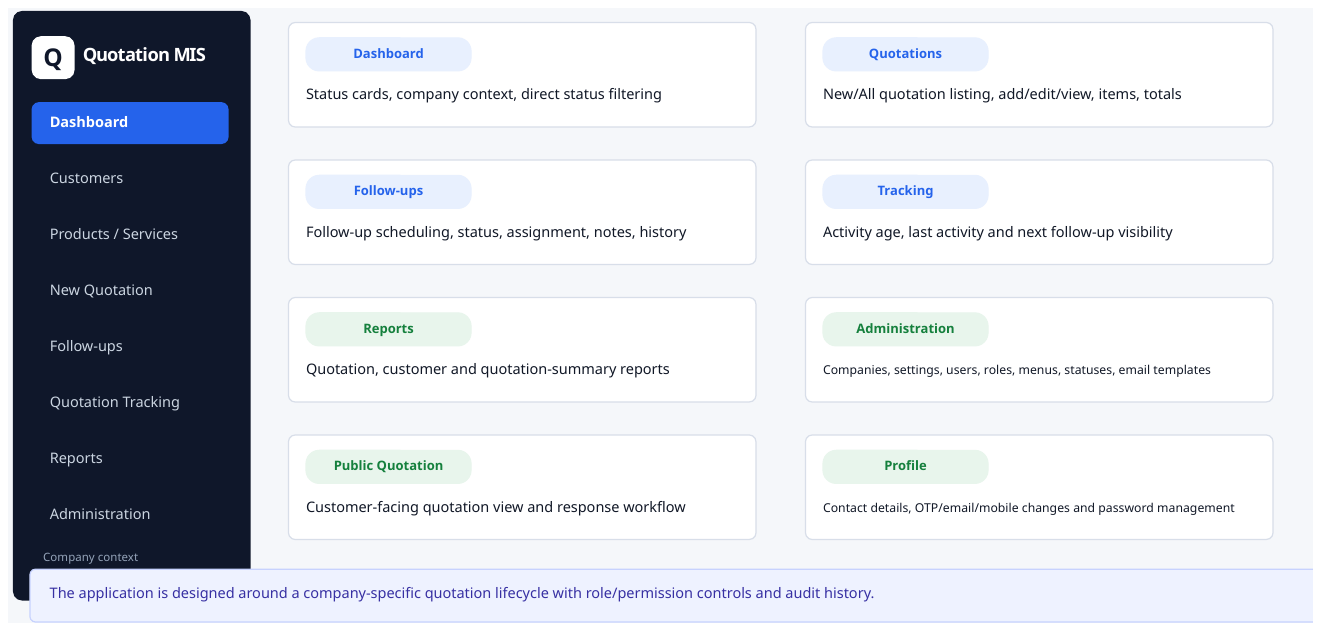
Management starts from the dashboard
See status counts and move quickly to the quotations behind the number.
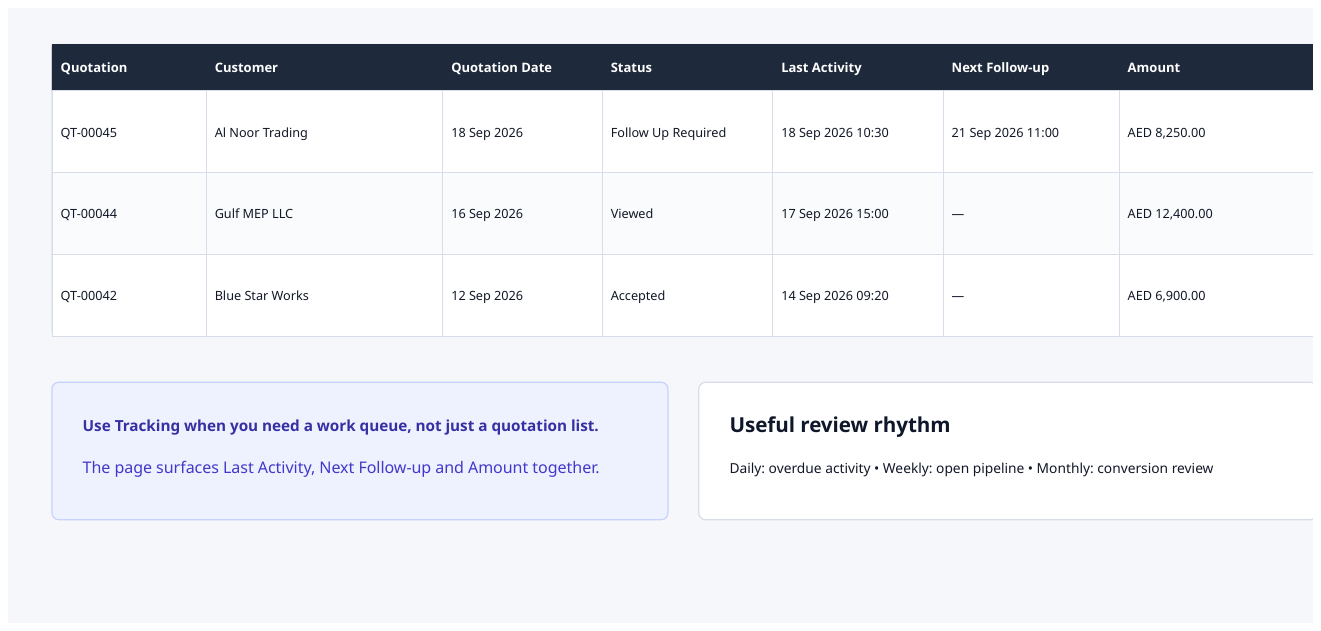
Tracking keeps the lifecycle visible
Use tracking to understand where quotations are and what needs action.
The demo should use your real workflow.
Quotation MIS can be positioned around how your business actually creates quotations, assigns follow-ups and reviews the pipeline.